
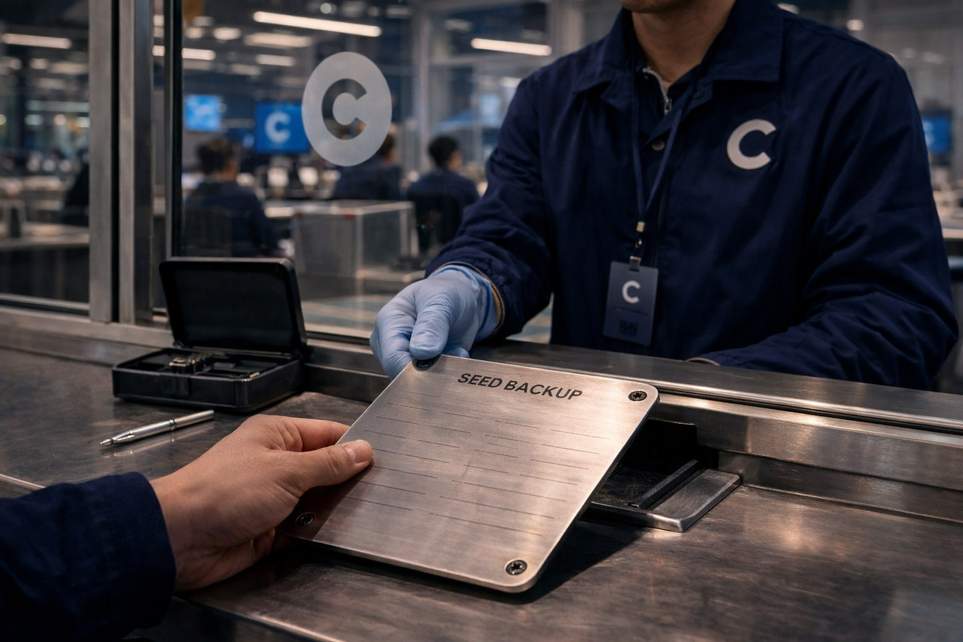
Coinbase’s Odd Wallet Exit Plan That Basically Teaches Scammers How to Steal
Coinbase recently told some Commerce users they need to pull funds out of legacy Commerce wallets before a hard deadline: March 31, 2026. Sounds simple enough—except the company’s migration instructions ask folks to reveal their 12-word recovery phrase on a Coinbase-hosted recovery flow in order to withdraw funds. That’s the same secret users are normally told to guard like a toothbrush and never, ever paste into a website.
What’s actually happening?
The short version: Coinbase is winding down the Commerce portal and its withdrawal tool at the end of March 2026. If you’ve got money sitting in one of those legacy wallets, the platform says you need to retrieve it first. For merchants who backed up their wallet to cloud storage, Coinbase’s steps tell them to open the Commerce settings, reveal the 12-word mnemonic, and use the company’s recovery/withdrawal flow to move the funds.
Technically, Commerce wallets are self-custodial, meaning Coinbase says it doesn’t hold your seed phrase or your coins. So from their perspective they’re handing you the responsibility to get your assets out before the portal disappears. From a security common sense perspective, though, asking users to type or paste a seed phrase into a webpage—official or not—looks like handing criminals a how-to guide.
Why security people are yelling (and what you should do)
Security researchers have reacted strongly for two big reasons. First, the moment an official page normalizes entering a seed phrase into a website, attackers get a powerful template to copy. Phishers can spin up a near-identical clone on a similar domain and trick people who are already primed by that official flow.
Second, some folks noticed technical quirks—like sitemap and front-end issues—that make it easier for a clone to be reproduced. Add in Coinbase’s past incidents where attackers exploited human and support channels, and the concern isn’t theoretical: social engineering and phishing have been hugely costly across the industry.
So what should you do if you’re affected? A few practical, low-drama tips:
– Don’t paste your seed phrase into any webpage unless you can verify the exact URL and are 100% confident it’s controlled by the service you intend to use. When in doubt, assume a page asking for your mnemonic is malicious.
– Prefer withdrawing to a wallet you control via a trusted wallet app or a hardware wallet. If possible, move assets directly from the Commerce wallet to a destination you manage without copying the mnemonic into a browser form.
– Back up your recovery phrase offline (paper or hardware) and keep multiple secure copies. Cloud backups are convenient but can be risky if the storage account is compromised.
– Reach out to support only through contact methods you already know are official (the app or verified support channels), and don’t follow links from unsolicited emails or messages about the migration.
– If you’re unsure, ask for a second opinion from a trusted security-savvy friend or a recognized community channel before doing anything risky.
At a higher level, this situation highlights a weird paradox: when a trusted brand teaches a behavior that security teams have warned users against for years, it can weaken everybody’s defenses. If you’ve got coins in an affected wallet, treat the deadline seriously—but don’t let the deadline rush you into the kind of move that could cost you everything.
